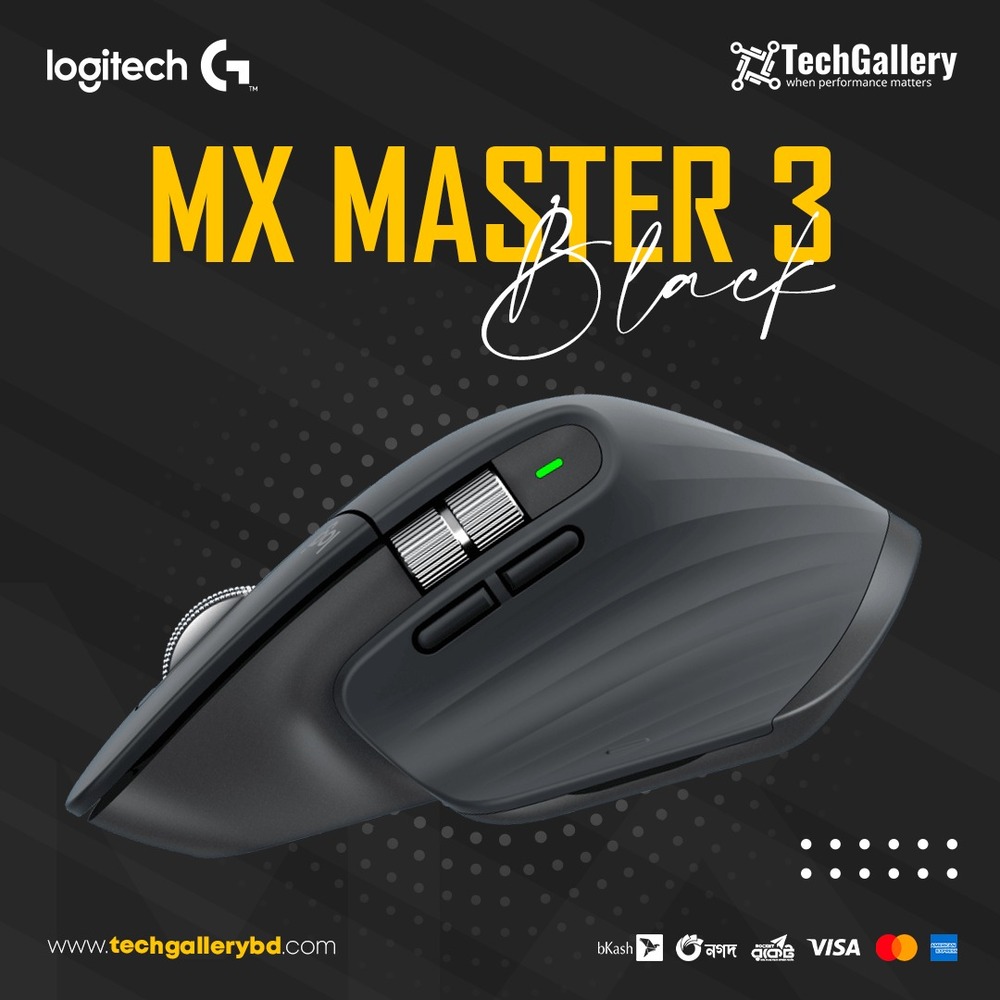
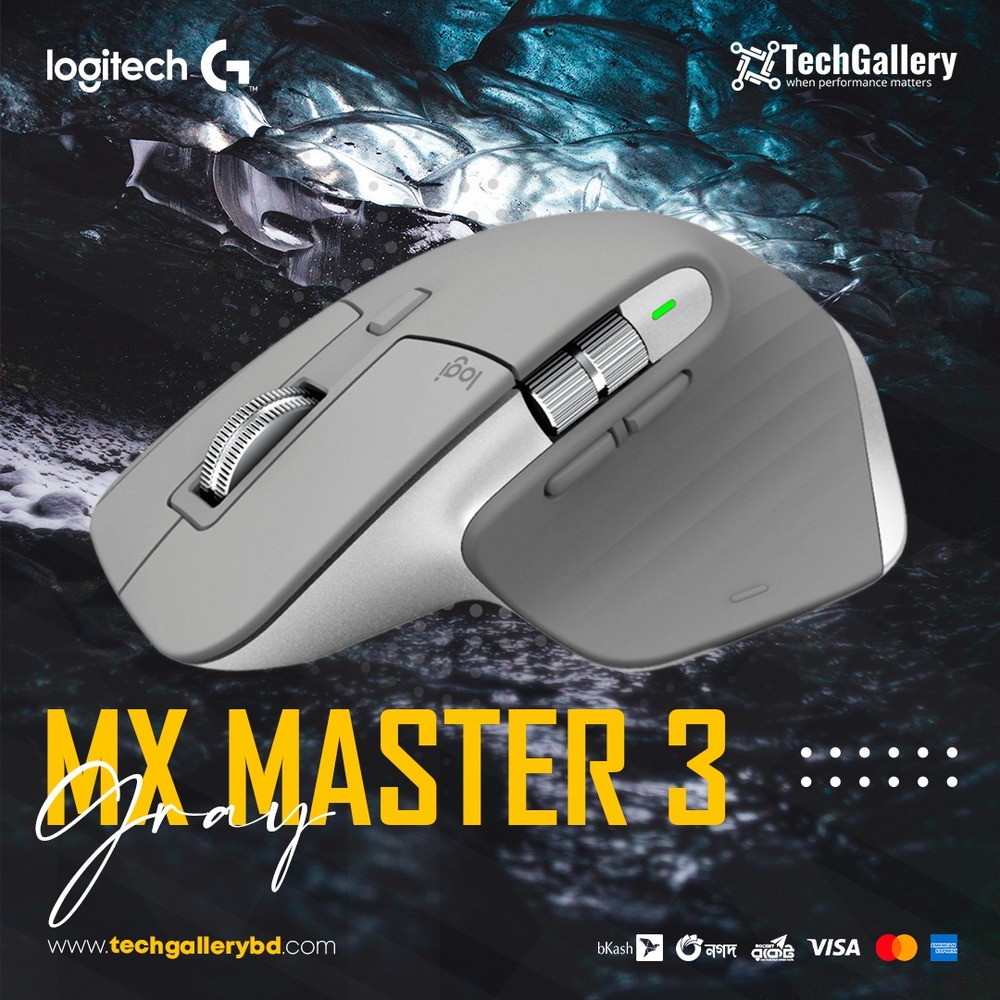
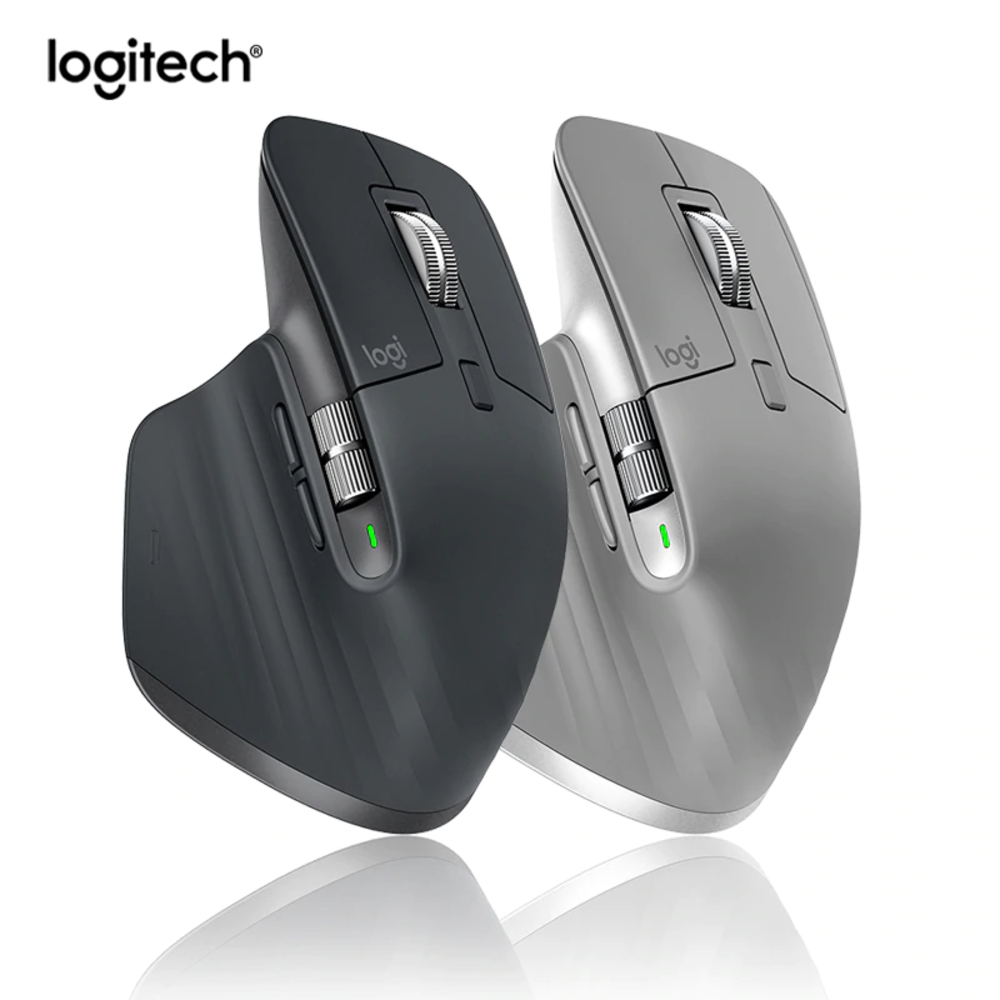
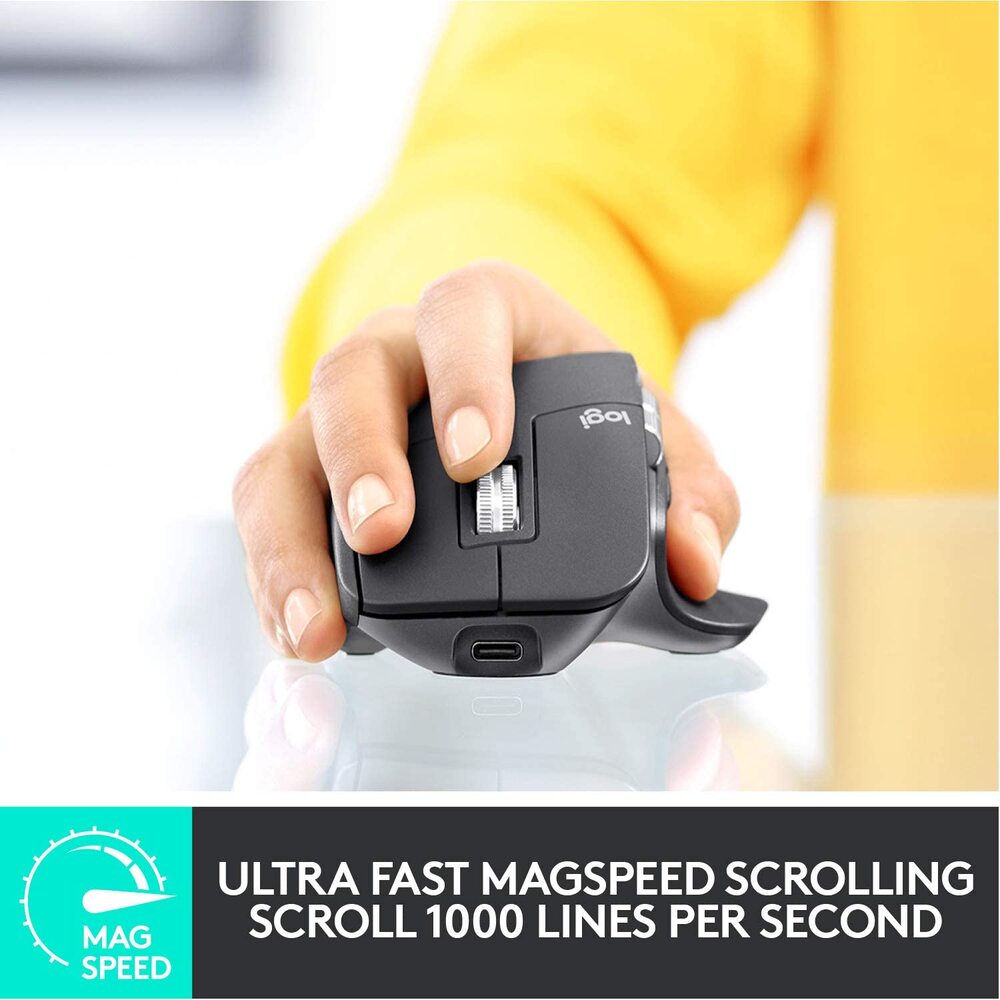
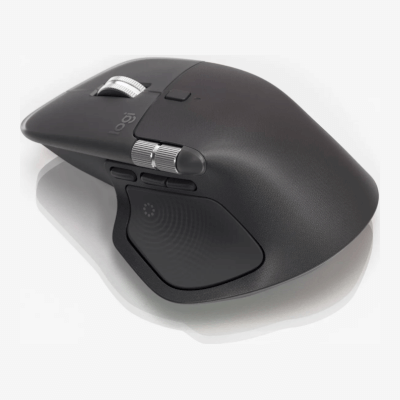
CRAFTED FORM MEETS INTUITIVE CONTROL
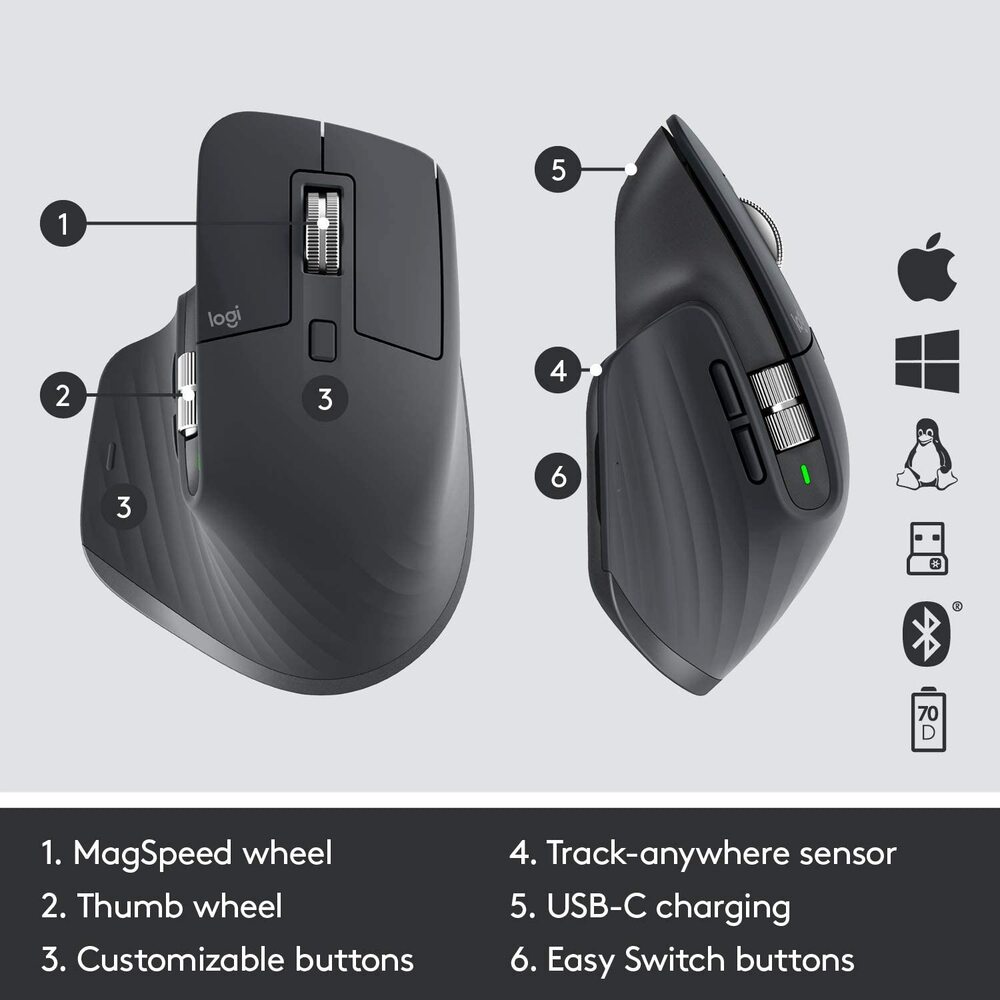
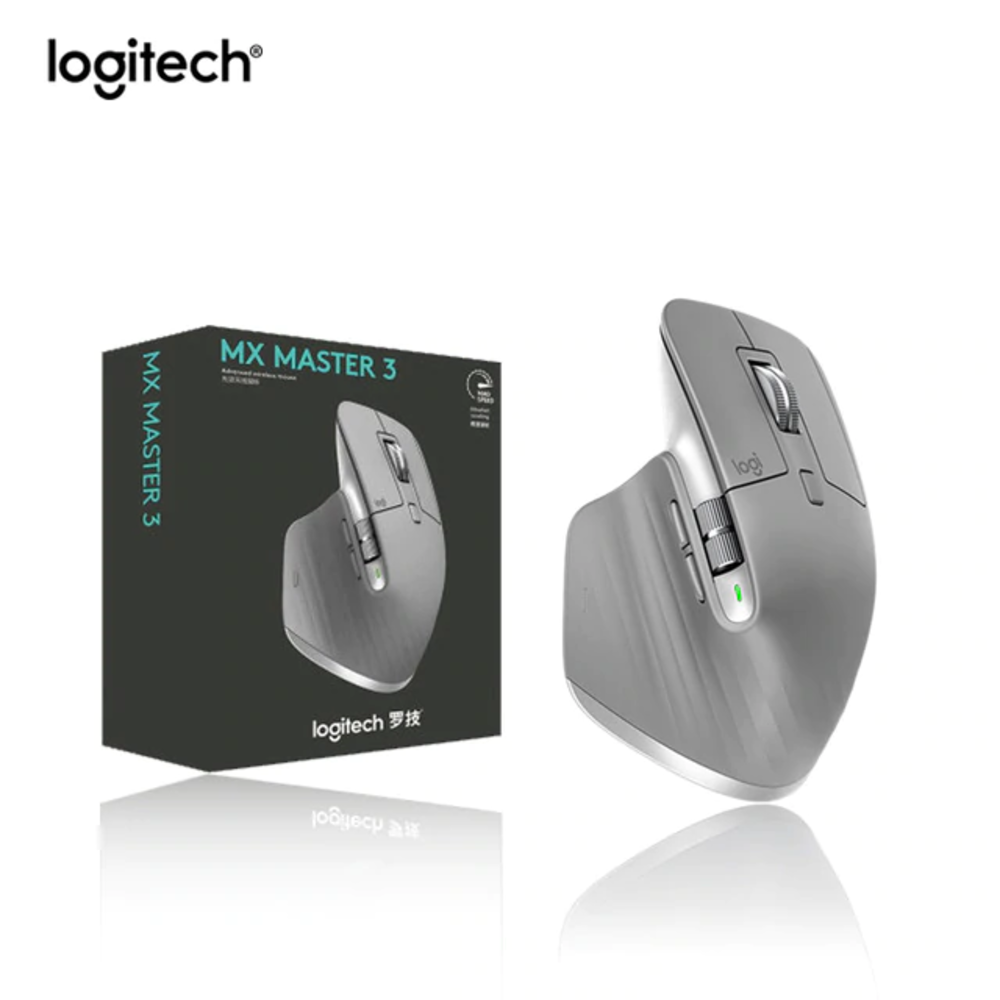
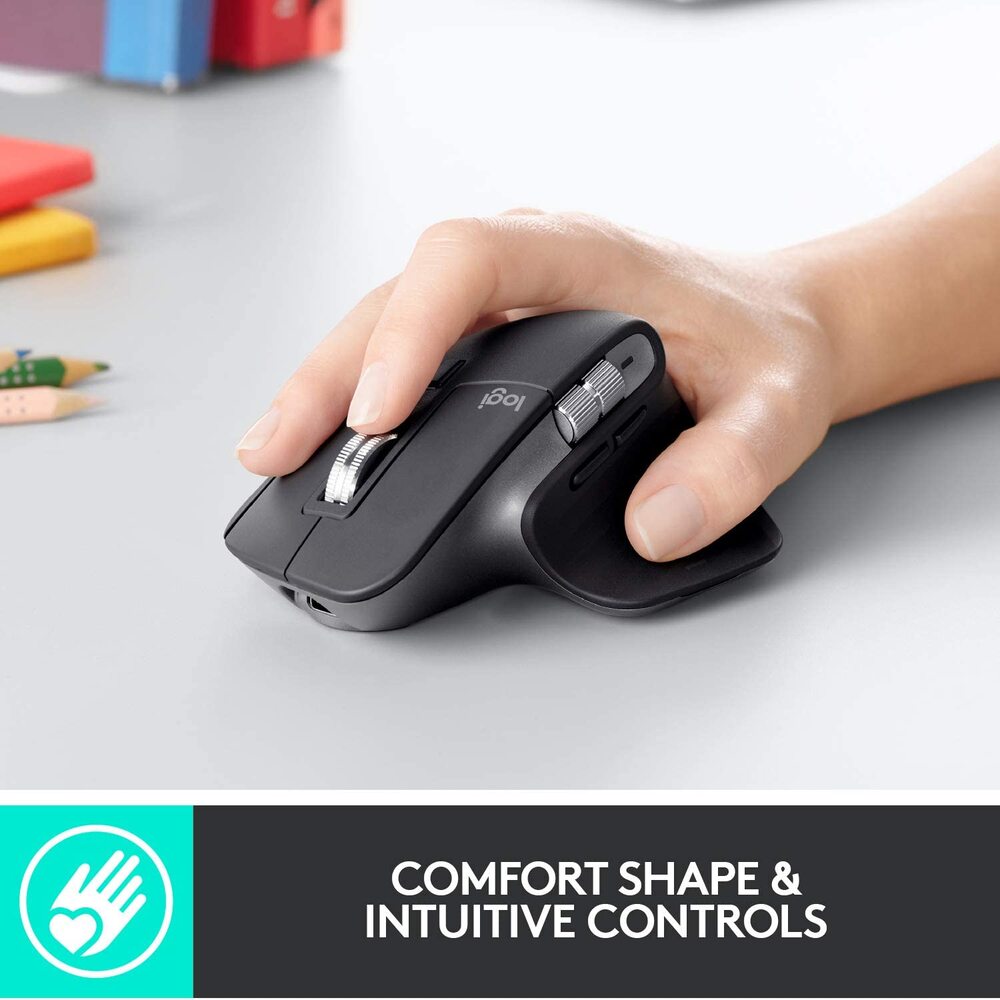
Work comfortably with a silhouette perfectly crafted for the shape of your palm. Create, make, and do more intuitively with ideally-placed front/back, and gesture buttons – and a new thumb wheel.
WORK FASTER WITH APP-SPECIFIC CUSTOMIZATIONS
Customize MX Master 3 and configure every action for your specific workflow. MX Master 3 is fully customizable in nearly every app you use – and you’ll work faster with predefined customizations optimized for your favorite apps3Requires Logitech Options software, available for macOS and Windows. - Adobe Photoshop®, Adobe Premiere Pro, Final Cut Pro®, Google Chrome™, Safari®, Zoom®, Microsoft Teams®, Word®, Excel®, PowerPoint®, and Edge.
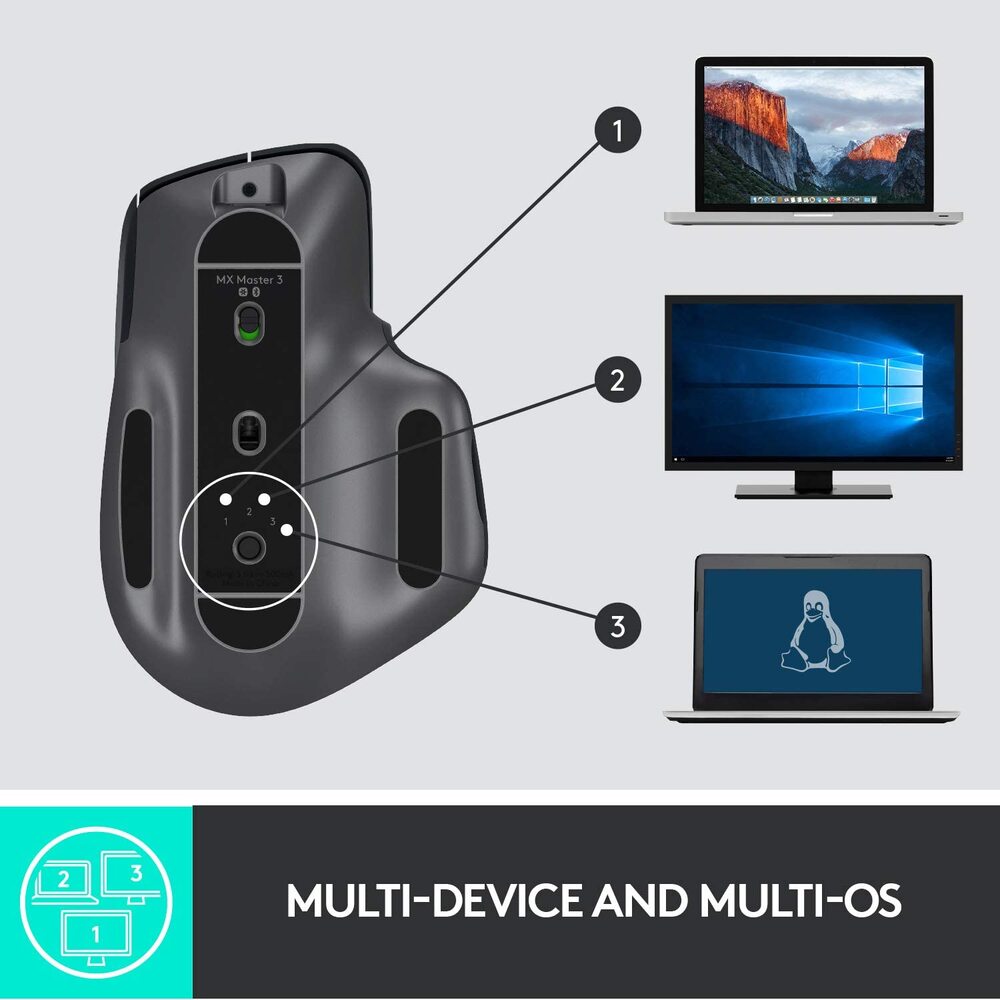
MULTIPLE COMPUTERS, ONE MX MASTER 3
Seamlessly control multiple computers with your Flow-enabled MX Master 3 by simply moving your cursor to the edge of the screen. Your MX Master 3 flows with you, even between Windows® and macOS® operating systems.
Effortlessly transfer text, images, and files between computers – just copy on one and paste to the other.4Requires Logitech Options software, available for macOS and Windows.
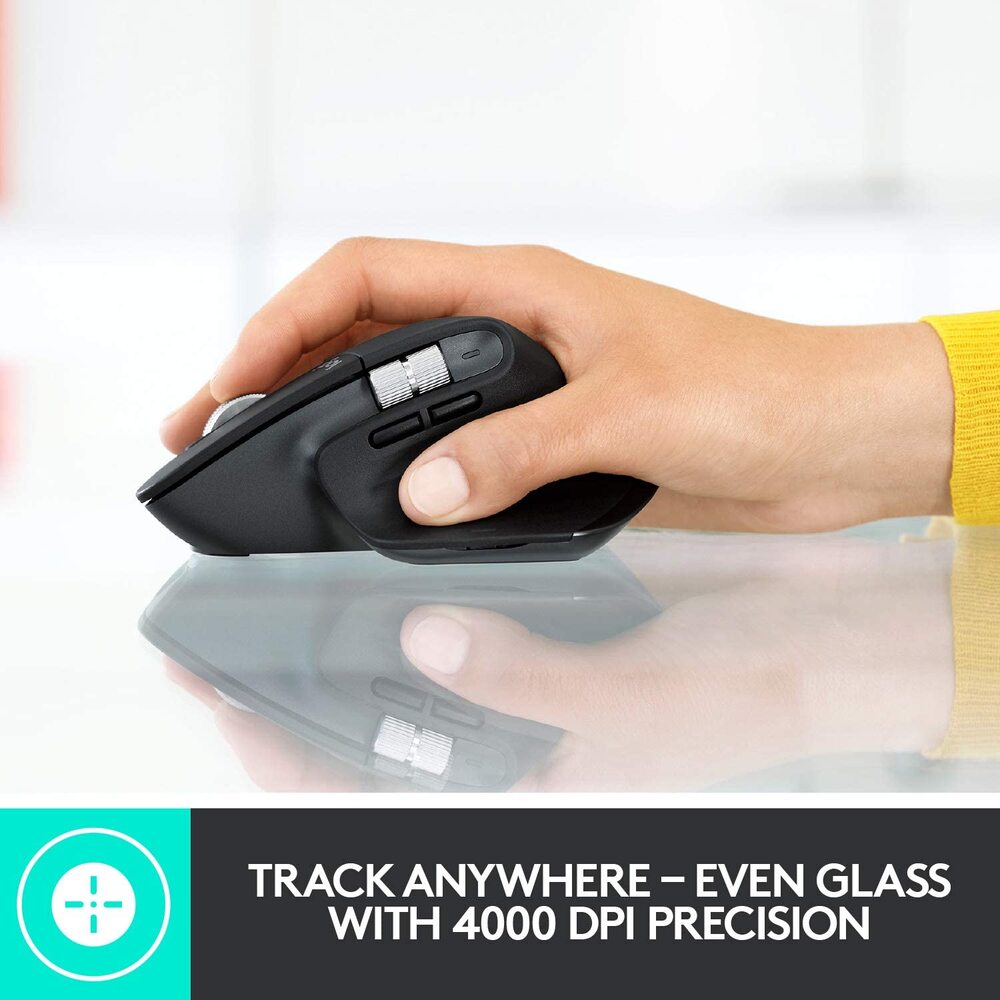
Track Faster on virtually any surface
MX Master 3 is faster and 5x more precise than the basic5Compared to regular Logitech mouse without an electromagnetic scroll wheel. so you hit the right pixel every single time. Logitech Darkfield™ Tracking allows you to track on virtually any surface – even glass64 mm minimum glass thickness. – with best-in-class 4000 DPI precision.
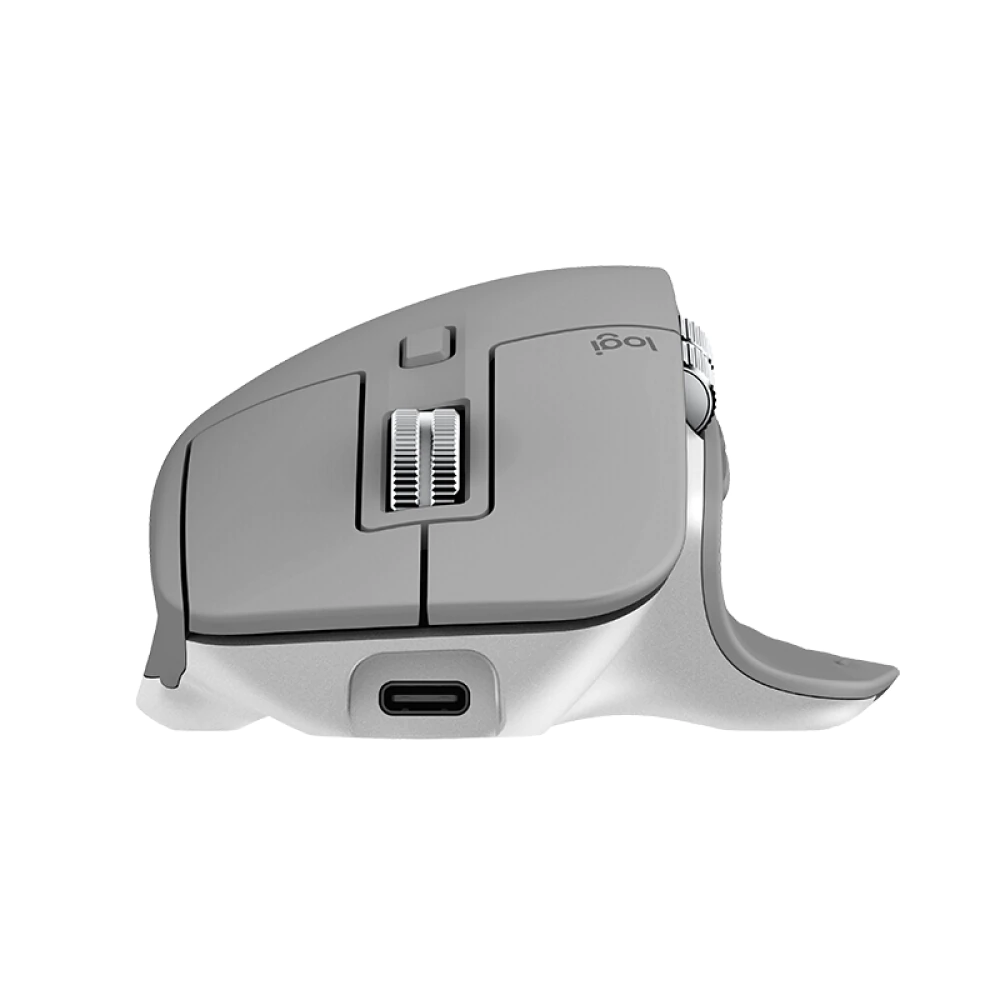
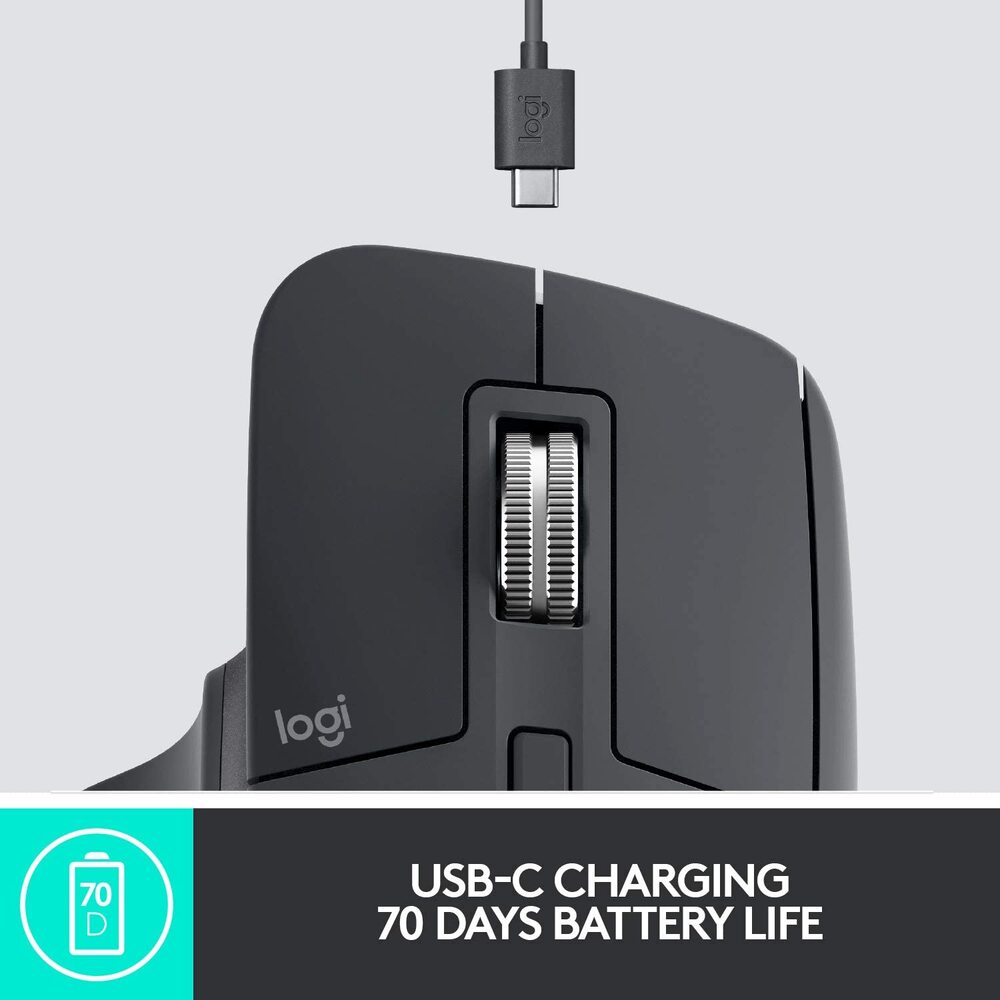
USB-C QUICK CHARGING
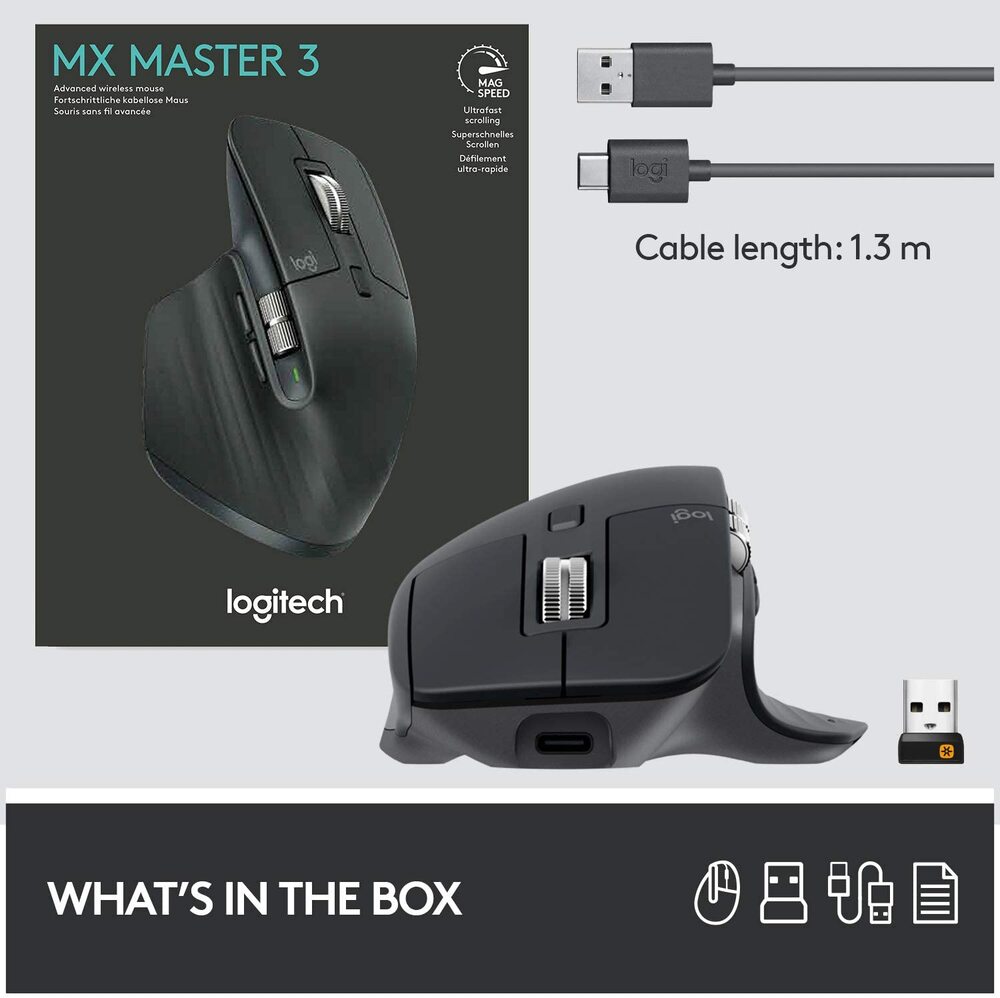
MX Master 3 stays powered for up to 70 days on a full charge – and gets three hours of use from a one-minute quick charge.7Battery life may vary based on user and computing conditions. Use the included USB-C charging cable to top up the power.